
Oracle HCM Cloud Implementation | Absence Setup Migration
Last Updated On January 6, 2026

Requirement for Oracle HCM Cloud Implementation – Absence Setup Migration
- Description of – Absence setup migration
- Oracle HCM Cloud Implementation
- Absence Plan
Overview:
Have you been part of the HCM Cloud Implementation Project and wondered how to migrate Absence Setup? Or has it been a very tedious process to migrate Absence Setup? This is one the earliest, but most relevant features when it comes to Migration of Absence Setups. With this feature, the Complete absence setup can be migrated from the Test instance to Production and multiple other instances.
Steps to Export Absence Plan:
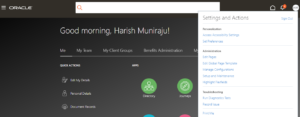
- Login to Fusion Application > Navigate to Setup and Maintenance under the profile icon.
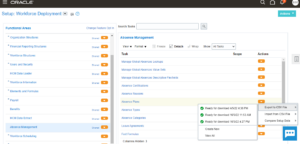
- Navigate to Absence Management under Functional Areas > Click on Actions > and Export to CSV file > Create New.
- Click on Add to select the absence plan which you need to export.
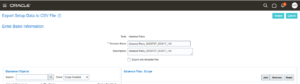
- Select the Plan, which you need to export, Apply, Save and Close.
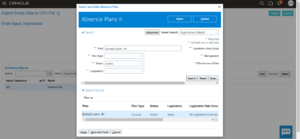
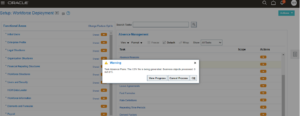
- Once the Absence Plan is selected, Click on Submit.
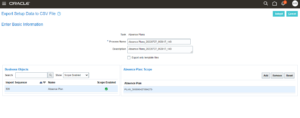
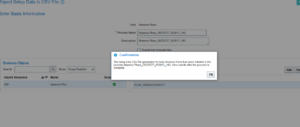
- Click on Ok.
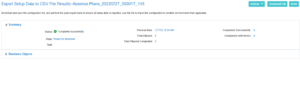
- Under export to CSV file, Click on Exporting setup data.
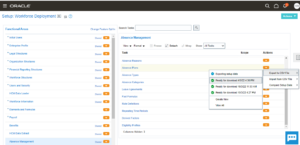
- Once the status is completed, click on Download File.
- Once the status is completed, click on Download File.
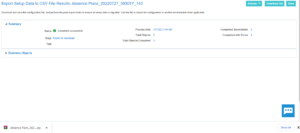
- The zip file will be downloaded.
Steps to Import Absence Plan:
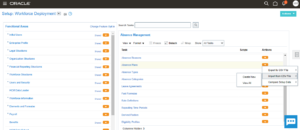
- Now, to import the same absence plan in Production. Login to Fusion Application PROD, navigate to setup and maintenance > Absence Management > Import from CSV File > Create New.
- Upload the zip file which you downloaded earlier.
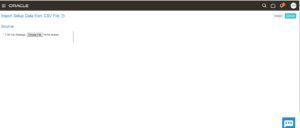
- Click on Submit.
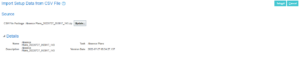
- To view the progress, under Import from CSV File, click on Not Started.
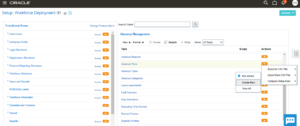
- Wait till the Status gets completed. Once completed, click on done.
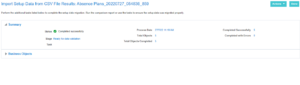
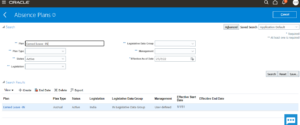
- Search the Absence plan by navigating to My Client Group under the Absences tab which you have exported from Test Instance.
Note:
- The above steps can be followed to migrate a complete setup of absence management (Absence Plan, Absence Type, Absence Reasons, Eligibility Profiles, and Derived factors).
- If any eligibility is defined for an Absence plan, we need to migrate the eligibility profiles first, and then we need to migrate the absence plan. (Child components (Reasons, Eligibility Profiles, Derived factors, Fast Formula) should be migrated first)
Author: Harish Muniraju, Oracle Cloud Consultant